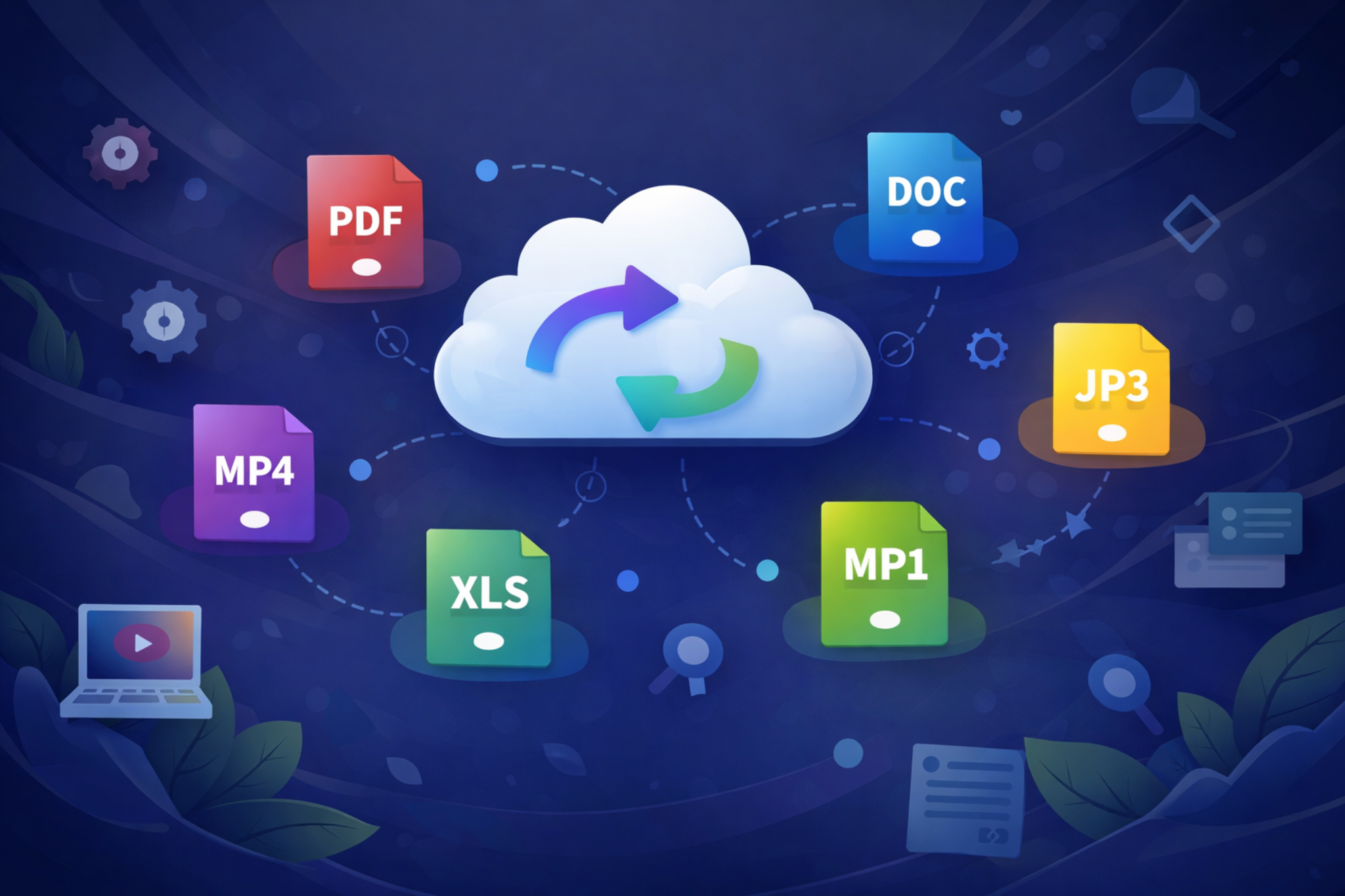
Convert files directly in your browser
Formatify is designed for people who need a simple way to convert files without installing heavy desktop software. You can work with PDF, DOCX, XLSX, PNG, JPG, JPEG, and ICO files in a cleaner browser workflow with file preview, quick output selection, and direct download links.
Popular conversions supported
Use Formatify for common tasks such as DOCX to PDF, XLSX to PDF, PDF to PNG, PDF to JPG, PDF to JPEG, PDF to TXT, PNG to ICO, JPG to PDF, JPEG to PNG, and more. It is especially helpful for quick format changes, lightweight document exports, and image preparation for websites, apps, and icons.
Privacy-friendly client-side processing
Most of the conversion work happens in the browser, which helps keep the experience fast and privacy-friendly. That makes Formatify useful for users who prefer a client-side file converter instead of sending files through a traditional upload-based online service.
Quick answers
Can I convert PDF files into images?
Yes. Formatify supports PDF to PNG, PDF to JPG, and PDF to JPEG, with page-by-page export handling for multi-page files.
Can I turn Office files into PDF?
Yes. You can convert DOCX to PDF and XLSX to PDF directly in the app, plus export text or CSV where supported.
Can I create icon files?
Yes. Image files such as PNG, JPG, and JPEG can be converted into ICO format, which is useful for favicons, app icons, and shortcuts.